
Apply for Jobs faster
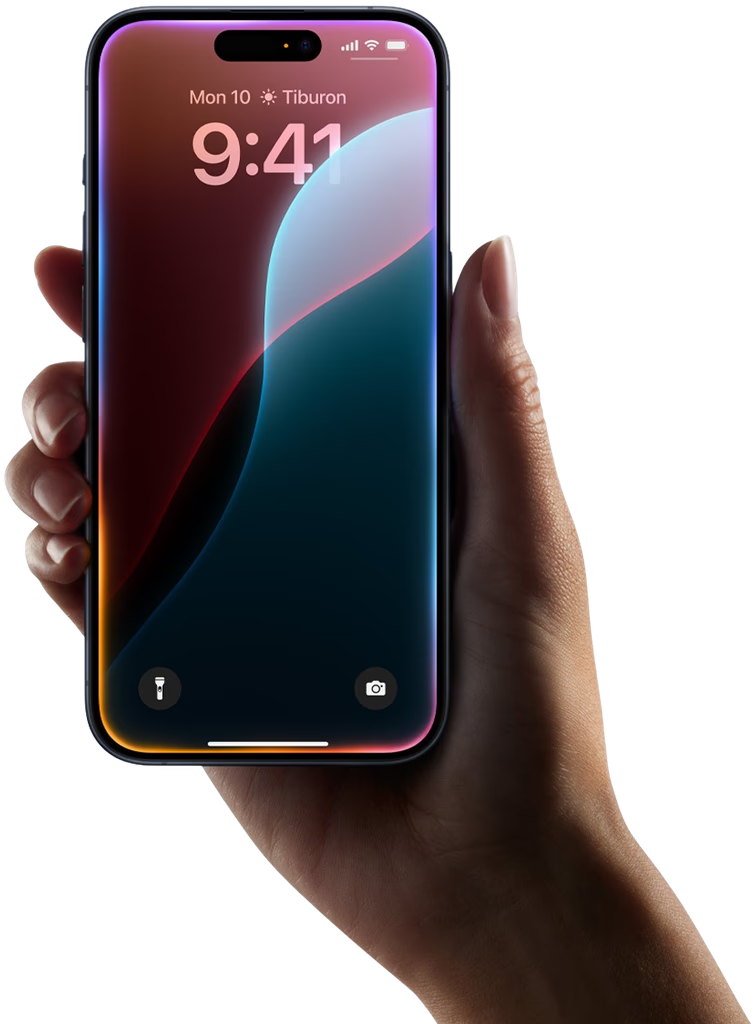
Create tailored Resumes with a swipe
Drever is an agentic job-search platform: it finds jobs directly on company career pages and tailors your CV to each one in seconds.
Everything You Need to Land Your Dream Job
Drever combines AI-powered CV tailoring with multi-platform job search
Tailor your CV in seconds
Automatically tailor your Resume to match keywords and highlights skills and experience relevant for each position.
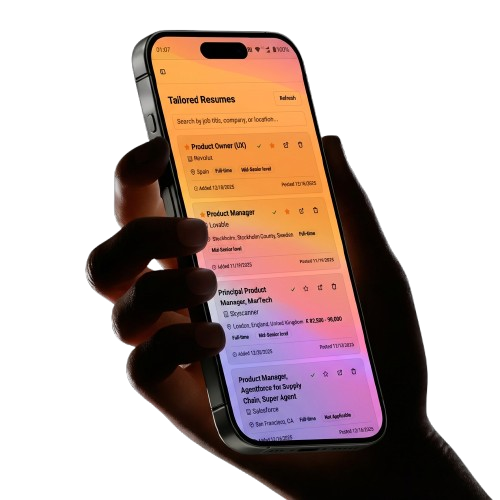
Search all jobs in one single Tab
Search across multiple cities and job titles simultaneously.
Get fresh jobs every hour.
Get the latest jobs every hour and be the first to apply. Enhance your chances of getting shortlisted.
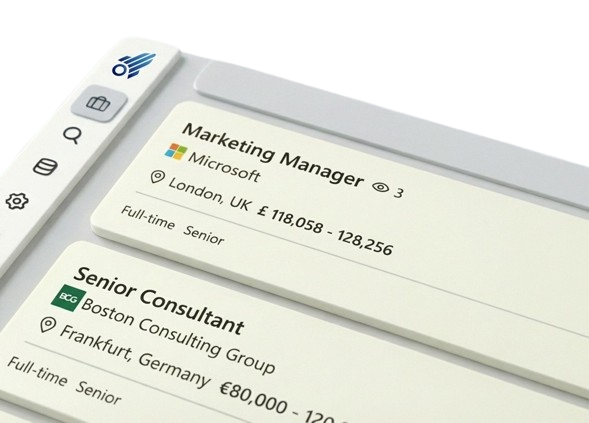
See how many times your CV was opened
Every CV you make carries a tracked link, so you can see how many times the CV for each job was opened, and when.
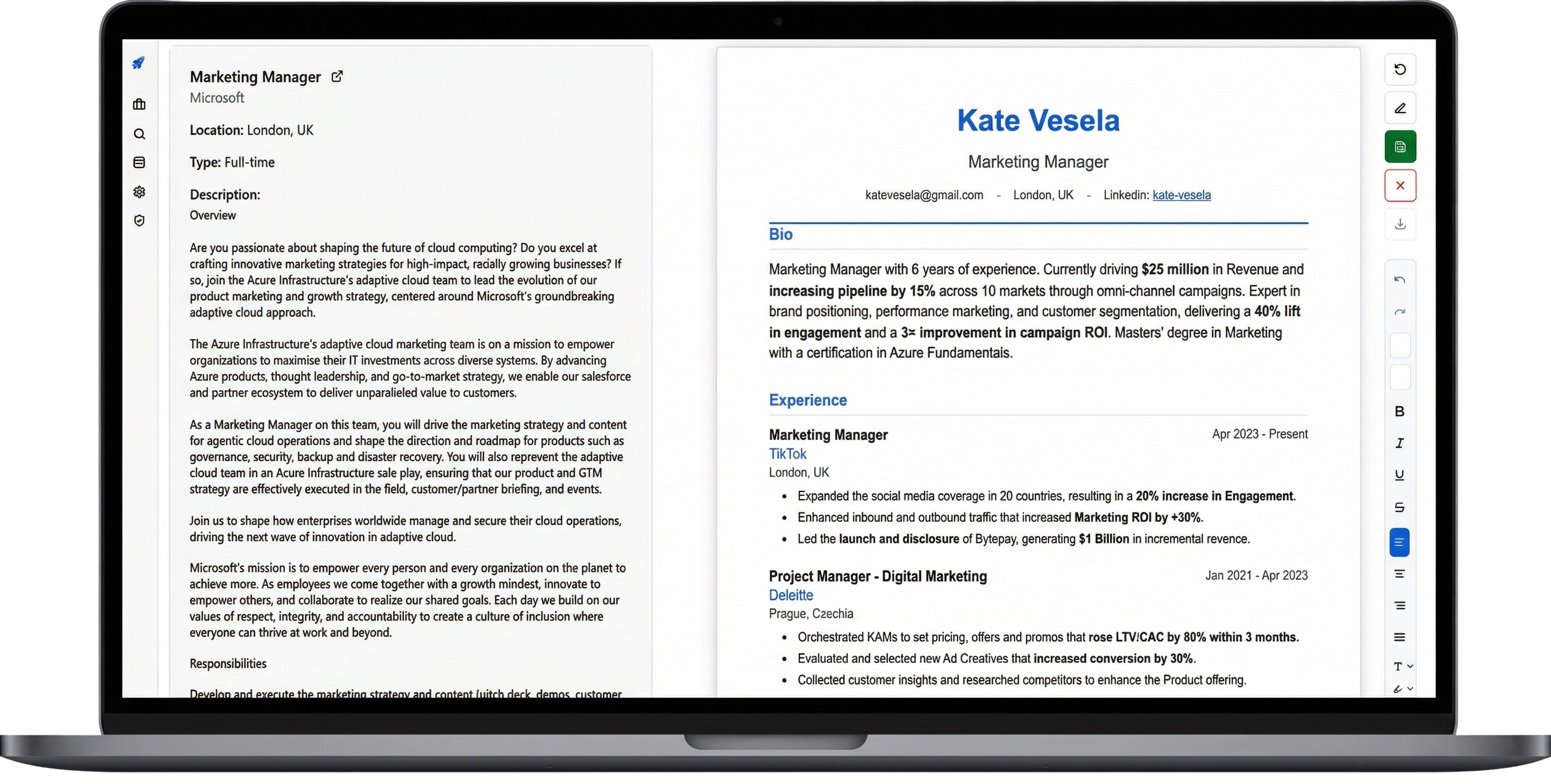
Edit Anywhere, Anytime
Edit your CV on the go from any device. Changes sync instantly between your devices.
How Drever Works
Four steps between a job going live and your tailored CV landing on a recruiter's desk.
We watch company pages all day
Drever checks company career pages every hour, so new roles reach you straight from the source — often before they ever show up on the big job boards.
You hear about it first
The moment a role matches your titles and cities, you get a notification. Early applicants get read; the 300th CV in the pile rarely does.
Your CV rewrites itself for that job
One tap and our AI rebuilds your resume around that job description — mirroring its keywords and pushing your most relevant experience to the top. Nothing invented, just better aimed.
Apply fast, get more interviews
First in line with a CV that fits the role. That's the combination that turns applications into interviews — without losing your evenings to editing documents.
Frequently Asked Questions
How does the swipe-to-tailor feature work?
Simply swipe right on a job posting, and Drever's AI instantly analyzes the job description and customizes your CV to match. The process takes just 10-15 seconds, and you can review or edit the tailored CV before applying.
Can I tell whether my CV was opened?
Yes! With our Pro plan, you'll see how many times the CV you made for each job was opened, and when.
What platforms can I search for jobs on?
Drever reads job postings directly from company career pages and the job boards they use, such as Greenhouse, Lever and Ashby. Plus, our Telegram bot lets you send any job link and get a tailored CV back without leaving your workflow.
How does multi-city and multi-title search work?
You can search for multiple job titles (e.g., 'Product Manager', 'Senior PM', 'Product Lead') across multiple cities (e.g., 'New York', 'San Francisco', 'Remote') simultaneously. Our algorithm shows you all matching opportunities in one unified feed.
Can I edit my CV on my phone?
Absolutely! Drever is fully responsive and runs in any mobile browser on iOS or Android, as well as on desktop. All changes sync in real-time across devices, so you can edit on the subway and apply from your laptop.
What file formats do you support for CV imports?
We support PDF. You can also import directly the CV you download from your LinkedIn profile. Our AI extracts all relevant information and structures it into our template system.
How does the Telegram bot work?
If you find a job that is not on our platform, send the link to that job to our Telegram bot and you will find a tailored CV for that job under Tailored Resumes.
Can I cancel my subscription anytime?
Yes, with no fees. You keep access until the end of your billing period, and your CVs stay available to view and export after it ends.
Is my data secure?
Data is encrypted in transit and at rest. Your CVs and personal information are never sold and never used to train AI models. The service providers described in our Privacy Policy may only use your data to run Drever for us. You own your data and can export or delete it anytime.
Why does Drever ask to sign in with Google?
It is an optional shortcut for creating an account. Google shares your name, email address, profile picture and Google account ID with us. Drever uses only your email address, to create your account and sign you in. We never ask for access to your Gmail, Drive or Calendar. The Privacy Policy has the details.